Pi Hole Blocking Fortnite Gift Card Redemption
TL;DR: Turn off the Pi-Hole or use Mobile data to redeem Fortnite gift cards.
I’ve been trying to redeem some Fornite gift cards for my son recently and I’ve found it to be so frustrating.
I initially tried to use the QR on the gift card using my Android phone but that just did nothing. I later tried to enter the code on the redeem website manually. Same result - nothing. No error. No message. Nothing. I also tried this with multiple browsers on macOS (Brave and Safari) but no dice.
I contacted Epic support about this and it took them four days to get back to me. But one of their recommendations helped me to get the gift card working - Jumping off the wifi and using mobile data. Once I did this, the redemption went through seemlessly.
I did some digging around to see if this was a known problem and came across this post on Reddit.
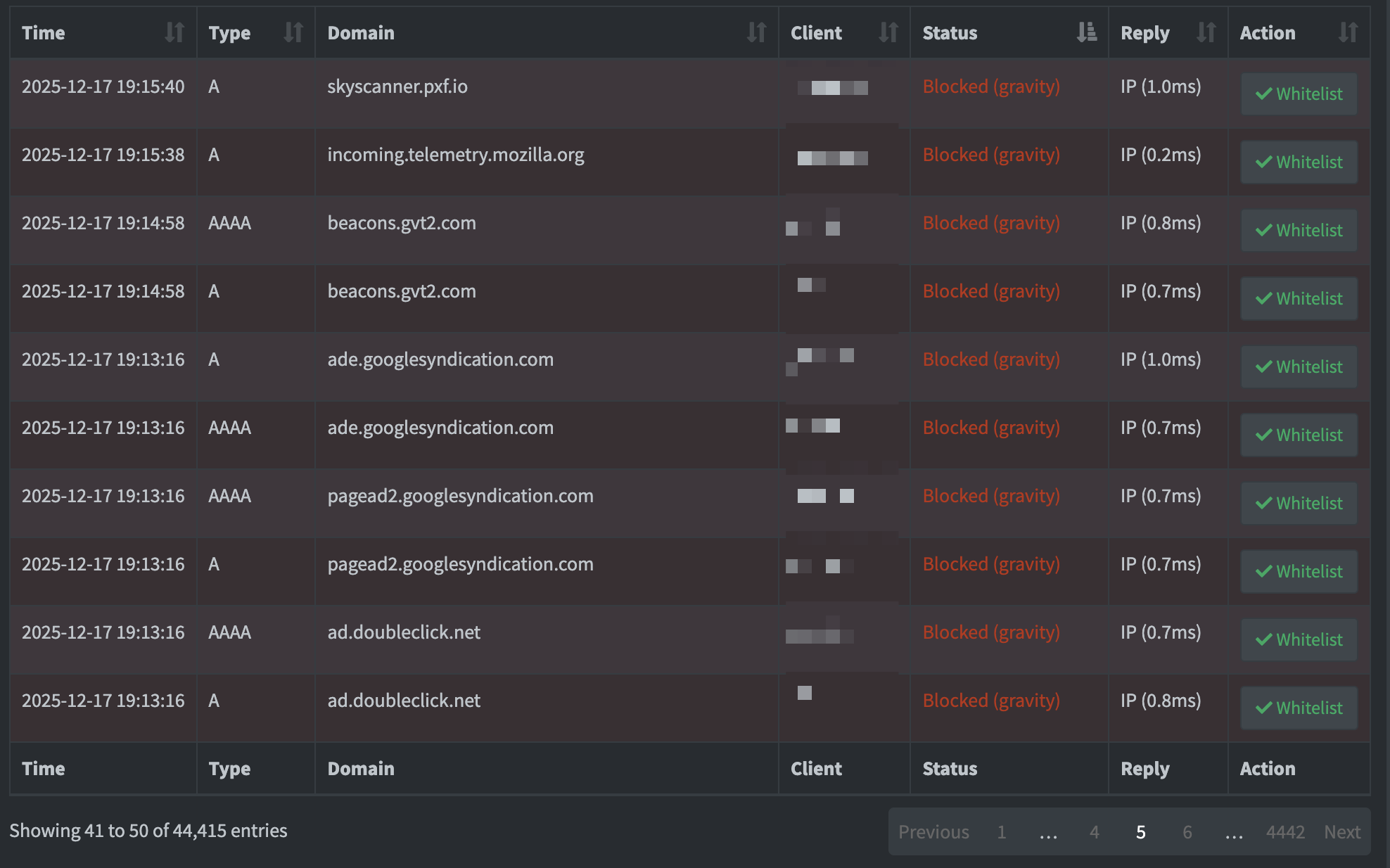
Although I had a quick scan of my Pi-Hole Query logs, I couldn’t see anything specific to Epic; only some generic tracking sites that I would normally want to block every time.
Unfortunately for the moment, using Mobile data or turning off the Pi-Hole temporarily seems to be the only solution.